 Official Site of The State of New Jersey
Basemaps
A basemap provides a background of geographical context for the content you want to display in a map. NJOGIS provides cached basemap map services for public use in maps and applications. NJOGIS makes every effort to include the best available NJ data in these basemaps. These services are optimized for fast display performance and can scale to a high number of simultaneous users without a degradation in performance. These services are available as both ArcGIS REST and WMTS.
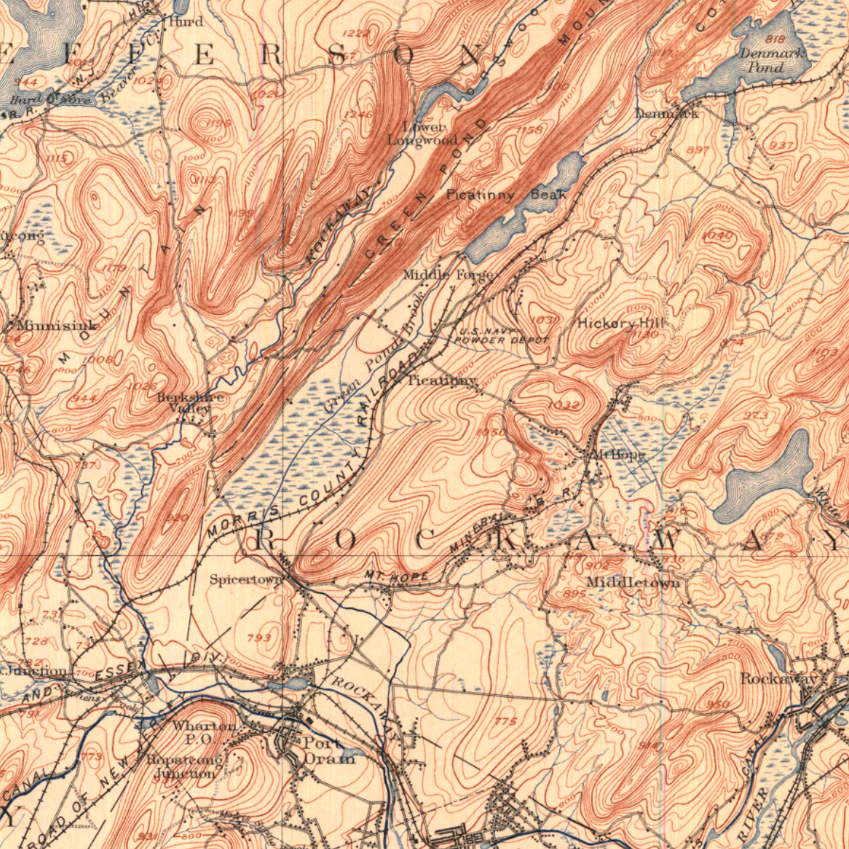
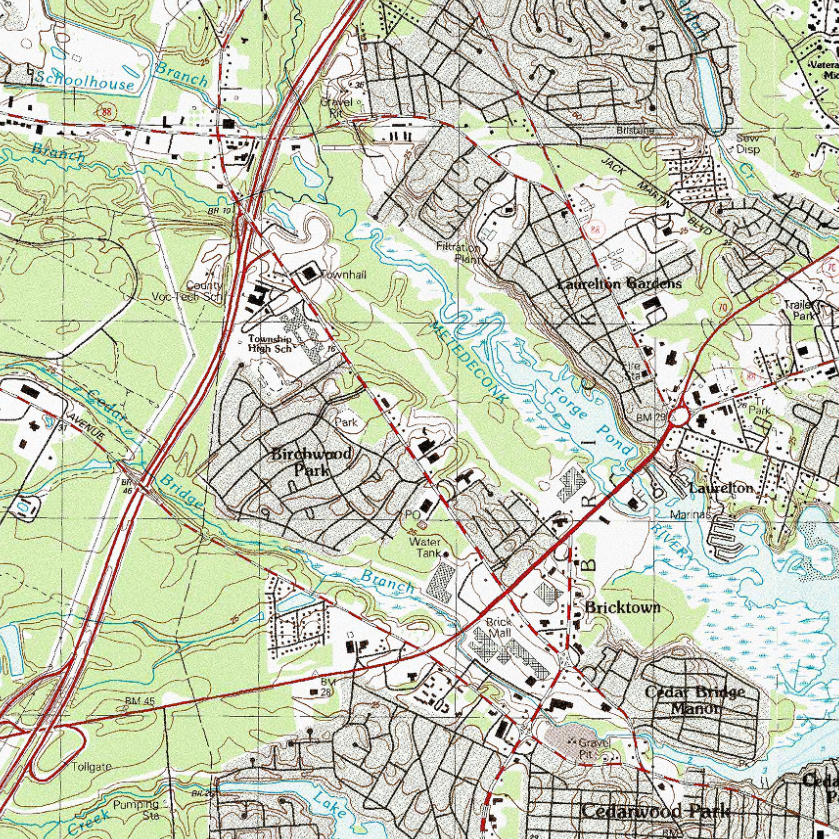
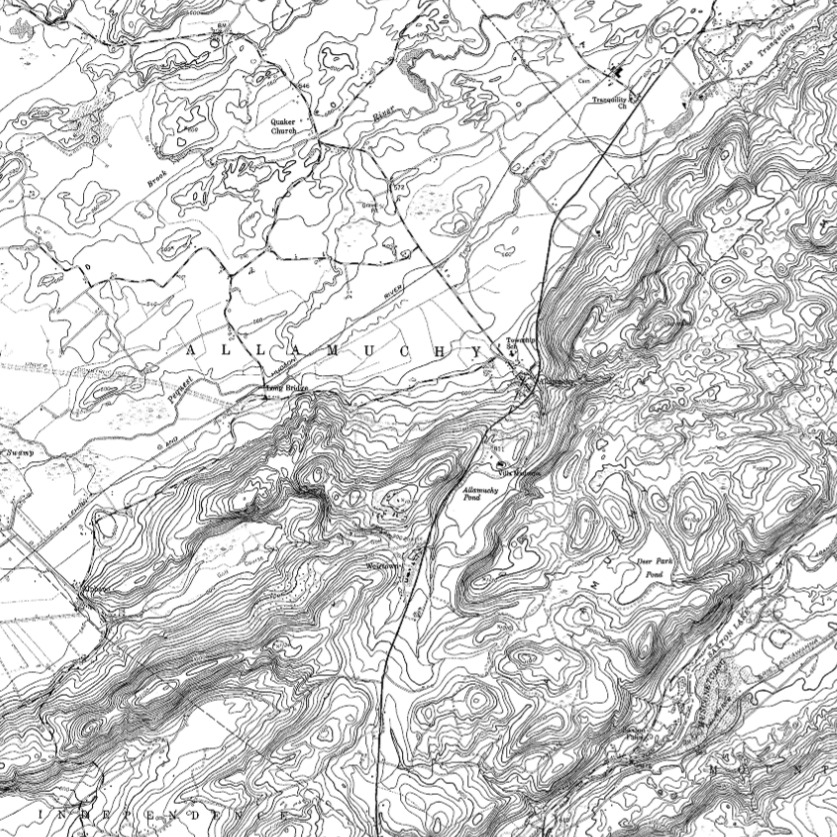
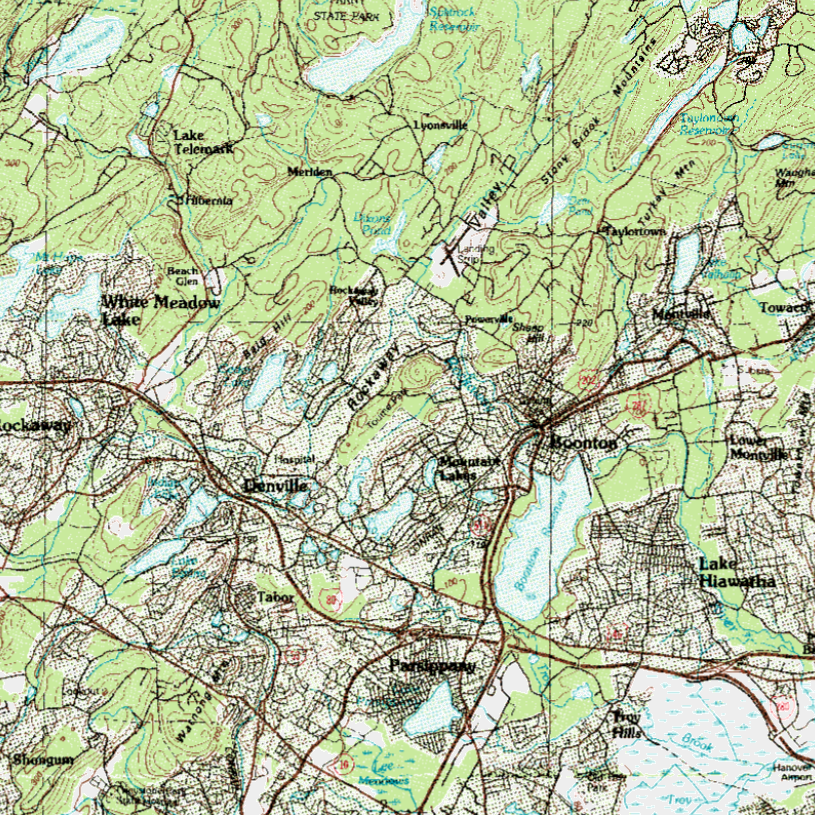
NJOGIS also provides historical (early 1900s) basemaps and USGS topographical basemaps available as WMS. PLEASE NOTE: There are size limits on images requested from our WMS. The maximum image width and length is 3840 x 3840 pixels.
Technical Instructions
Directions for ArcGIS Pro & ArcMap
Click on the link for your streaming type below (ArcGIS REST, WMTS or WMS). On the right-hand side of the ArcGIS Online item page, click on Open in ArcGIS Desktop and select Open in ArcGIS Pro or ArcMap in the dropdown. You can either open this file directly or save it in your preferred workspace to open later.
Directions for ArcGIS Online
Click on the link for your streaming type below (ArcGIS REST, WMTS or WMS). On the right-hand side of the ArcGIS Online item page, click on Open in Map Viewer to add the layer to an existing web map, or click on Add to new map if you want to add the layer to a brand new web map. You must be signed in to ArcGIS Online to save the web map or add the item to a group in your organization.
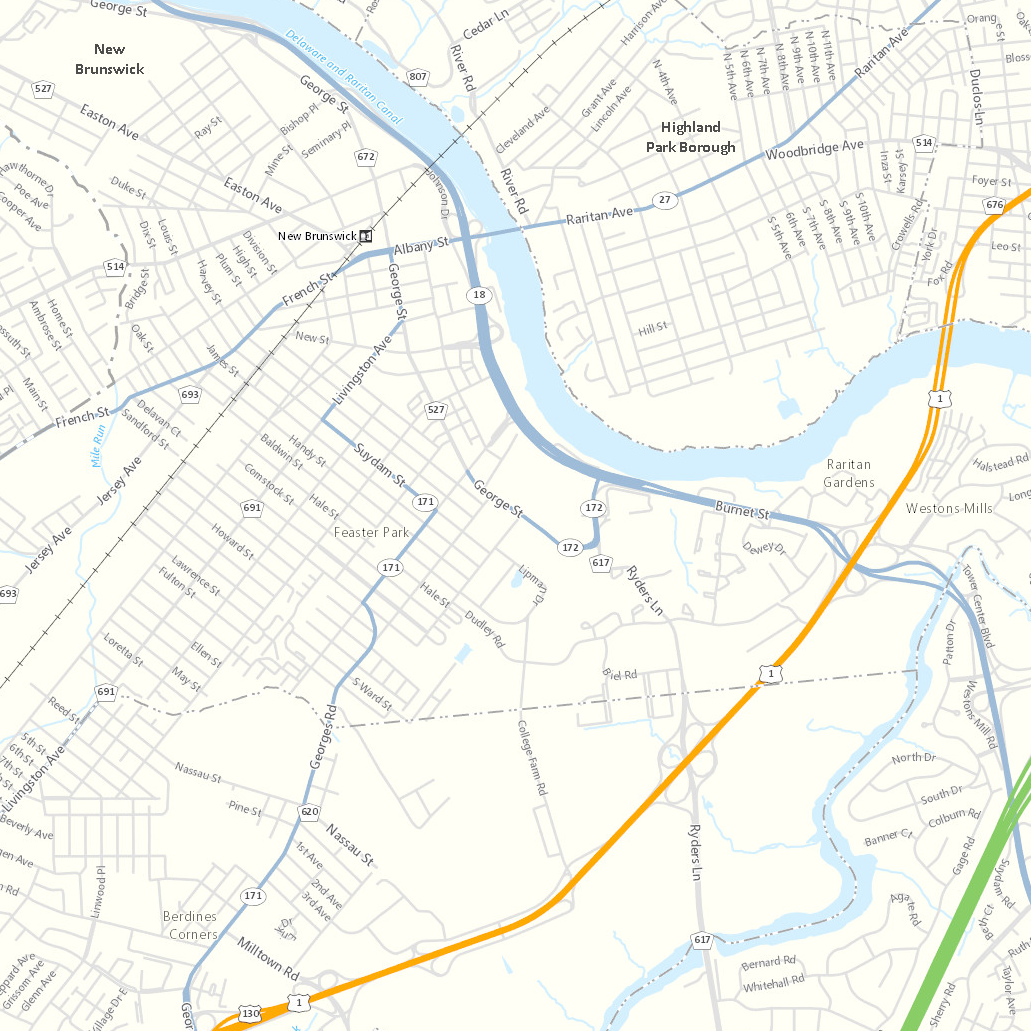
The color basemap provides pre-rendered symbology that incorporates basic map features to provide a background on which other data layers can be overlain. Vivid color symbology is used to readily distinguish basemap features. The basemap features render in greater detail at larger scales.
 |
New Jersey State PlaneWeb Mercator (Auxiliary Sphere) |
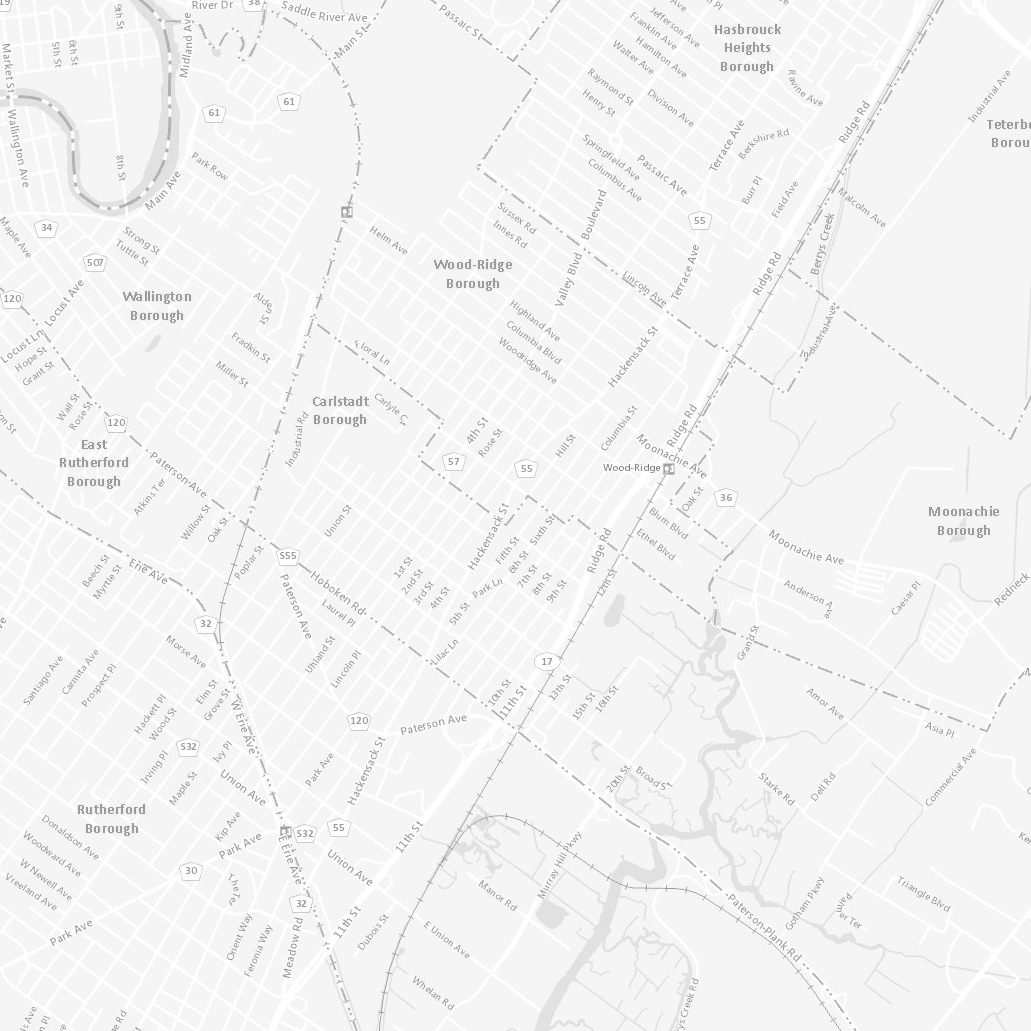
The grayscale basemap provides pre-rendered symbology that incorporates basic map features to provide a background on which other data layers can be overlain. Muted grayscale symbology is used to more readily distinguish overlain features. The basemap features render in greater detail at larger scales.
 |
New Jersey State PlaneWeb Mercator (Auxiliary Sphere) |
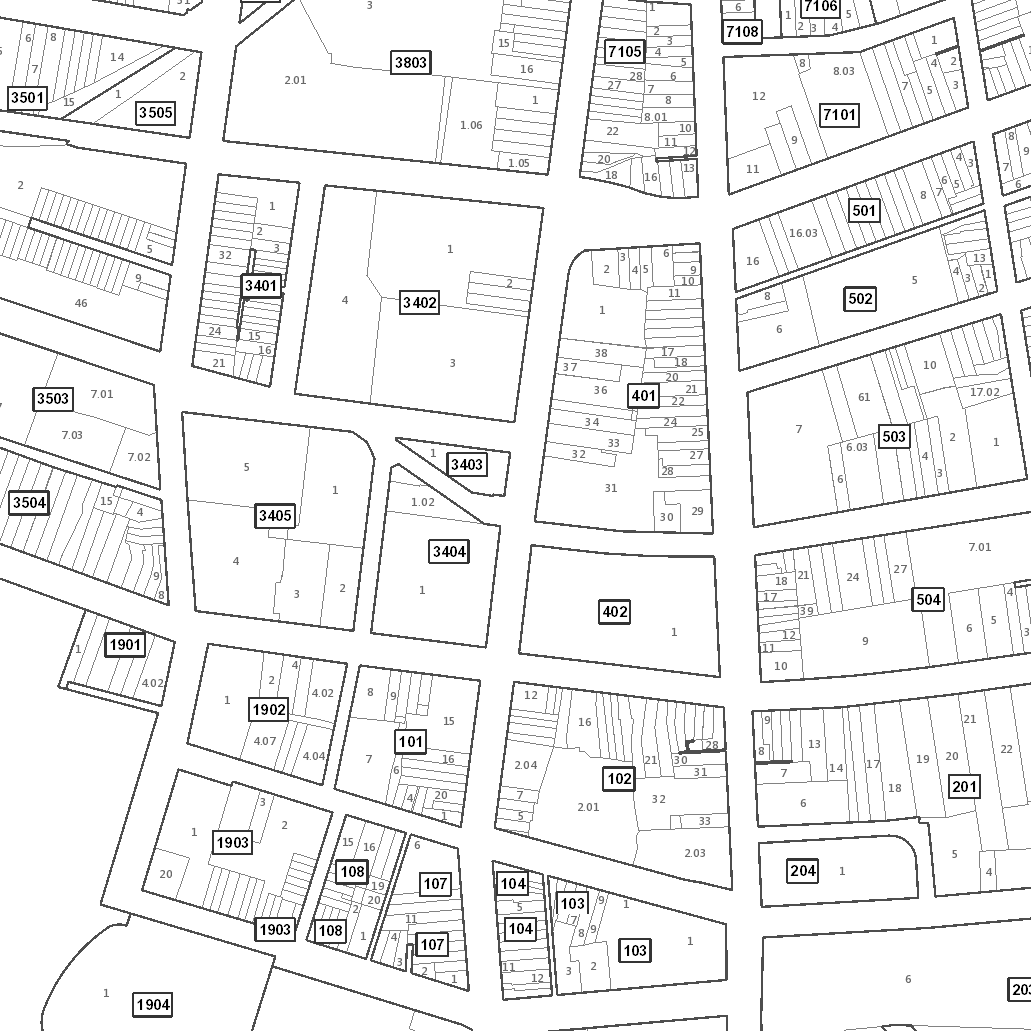
The parcels basemap incorporates block and lot boundary features, along with county and municipal boundaries and road centerline labels. It is formatted to resemble a tax map with block and lot number labels. The basemap features render in greater detail at larger scales.
 |
New Jersey State PlaneWeb Mercator (Auxiliary Sphere) |
Deploy the color and light gray basemaps in your own workspace using ArcGIS Pro. Included in the download are:
- Area of interest
- Source data
- ArcGIS Pro project files
- Tiling scheme files (NJ State Plane US Foot & Web Mercator (Auxiliary Sphere)
Bulk download basemap source files using the AWS Command Line Interface (CLI)
To download the files, use the AWS Command Line Interface. After installing the CLI, issue commands from your computer's command prompt. In Windows 10, that is found under "Windows System" or by right-clicking the Windows Start button, then click Run, then type cmd into the command line, then click OK. Instructions for download options are provided below.
Download all data products
There are 1,189 project files totaling 1.1 GB. Be sure there is adequate storage available on your computer. Once the CLI is installed, list all the files with the following command:
aws s3 ls s3://njogis-basemaps/ --no-sign-request --human-readable
Perform a dry run without downloading any files to confirm the CLI is working and the command parameters are correct. Change the c:\basemaps\ to the local directory into which the files will be copied. To execute a dry run, use the following command:
aws s3 cp s3://njogis-basemaps/ c:\basemaps\ --no-sign-request --recursive --dryrun
Upon a successful dry run, download the files to your computer using the following command (note the omission of the --dry-run parameter used above):
aws s3 cp s3://njogis-basemaps/ c:\basemaps\ --no-sign-request --recursive
The download command will run unattended until completion.