Your New Families First EBT Card

Your new Families First EBT card is coming soon!

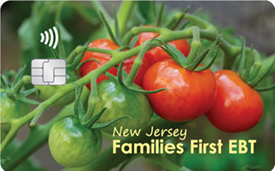
For more secure payments, your card has:

  • An encrypted chip
  • Tap-to-pay technology
  • A 3-digit security code
  • Lock/unlock feature

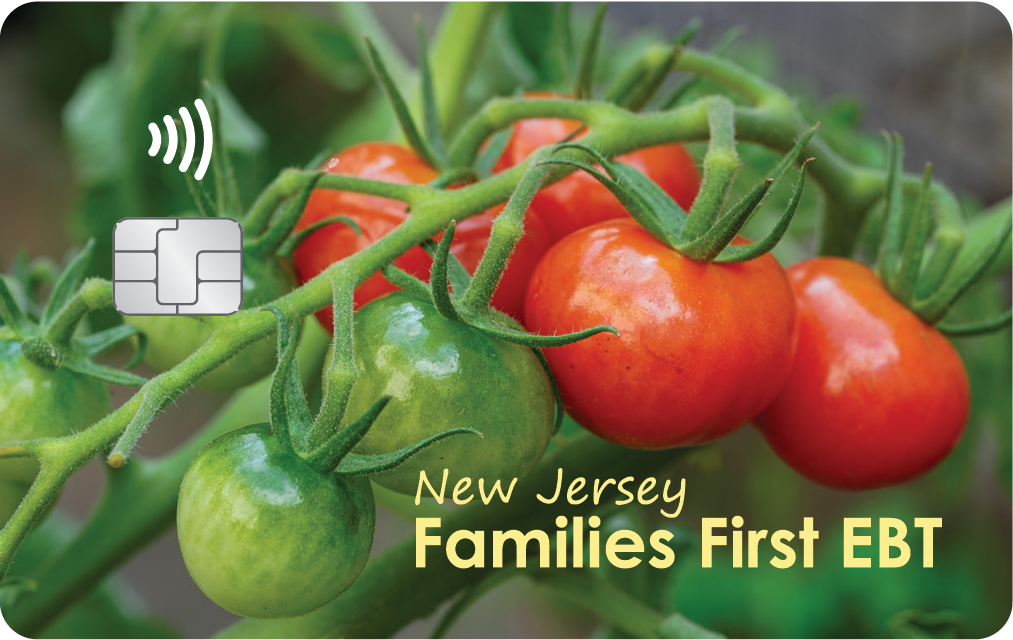
Your encrypted chip is located on the front of your card. At the store, you should tap or insert the card when making payments. If the chip card is not accepted by the retailer, you will be prompted to swipe your card. This payment method is less secure – we always recommend using the chip/tap feature as the best way to protect your benefits when it is available.

Your card will also have a 3-digit security code on the back to prevent fraud. It is printed on the card when issued and will not change unless you replace the card.

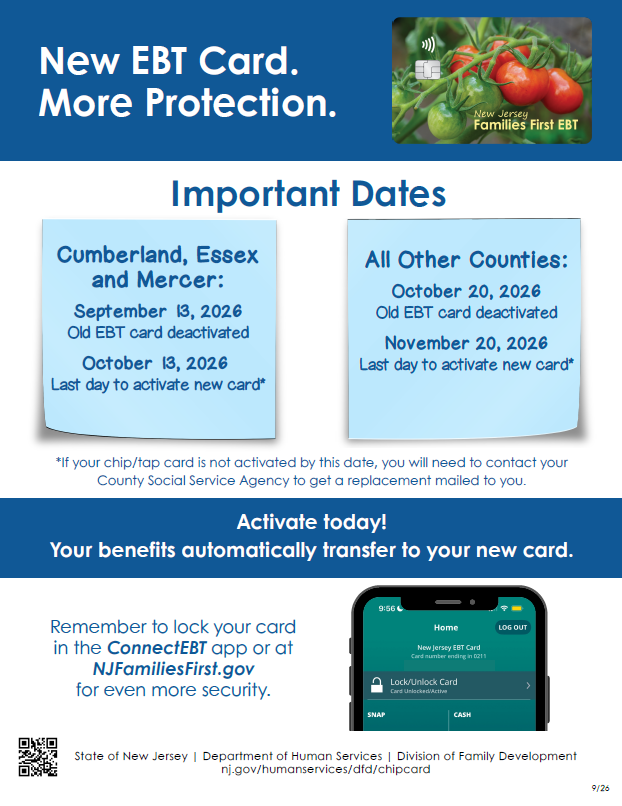
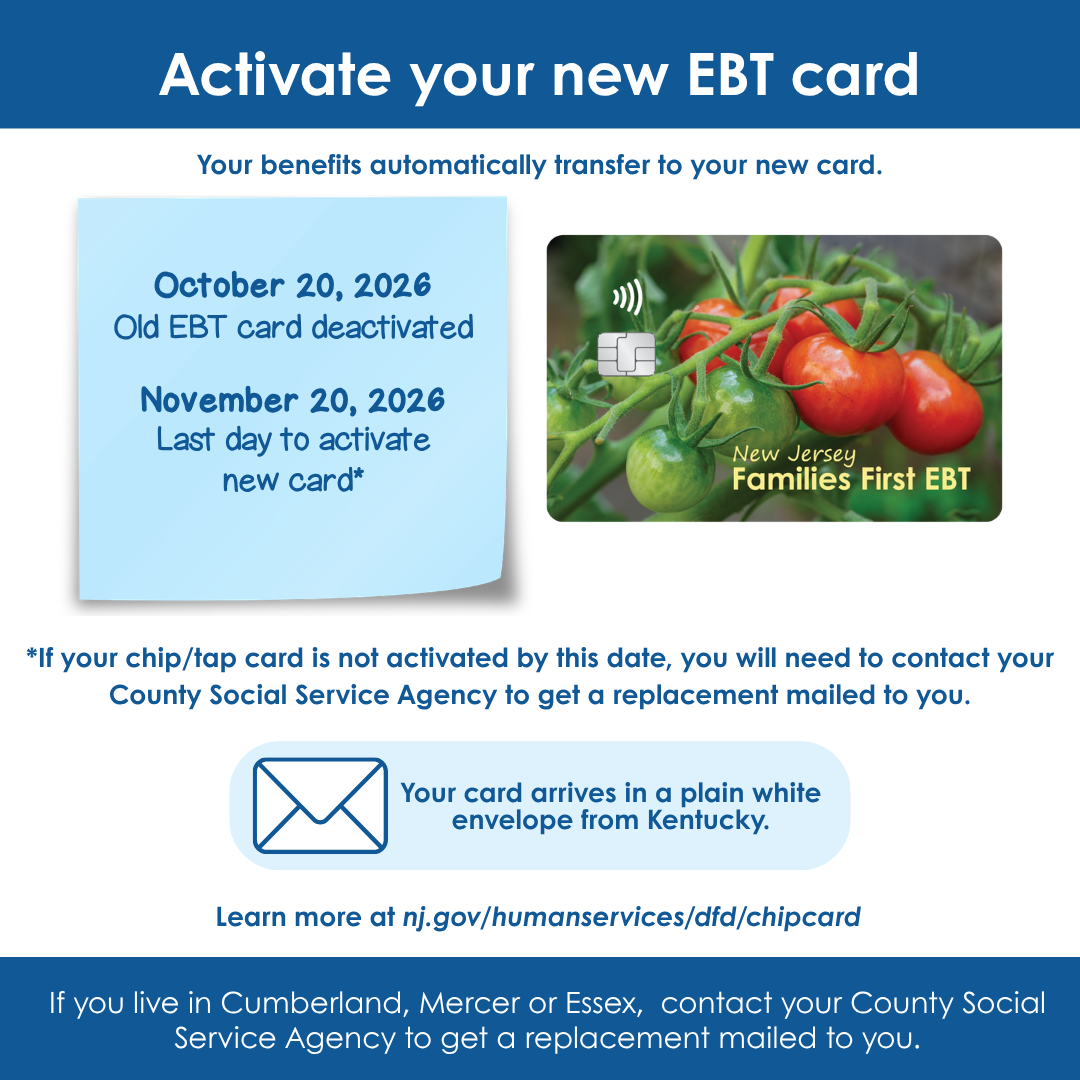
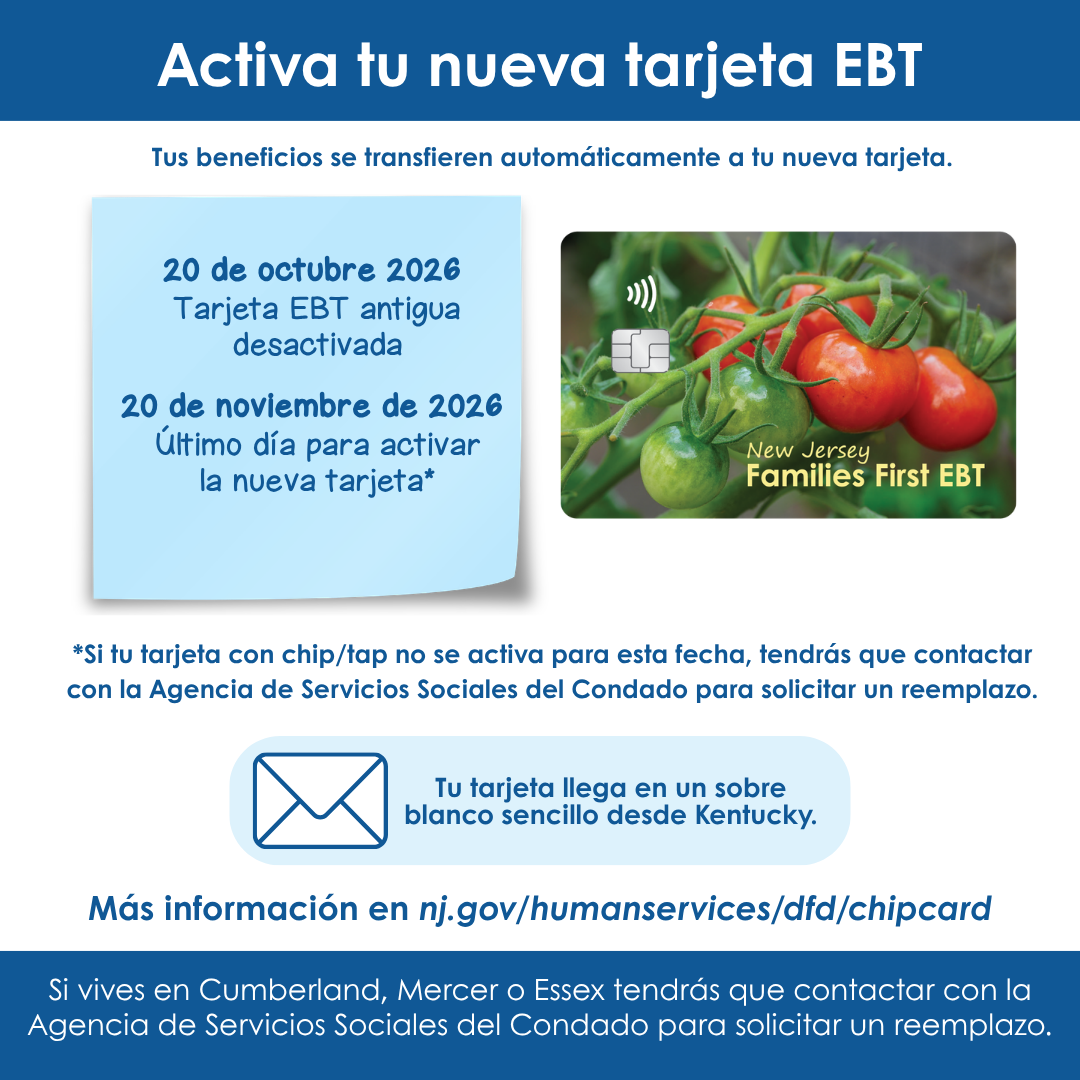
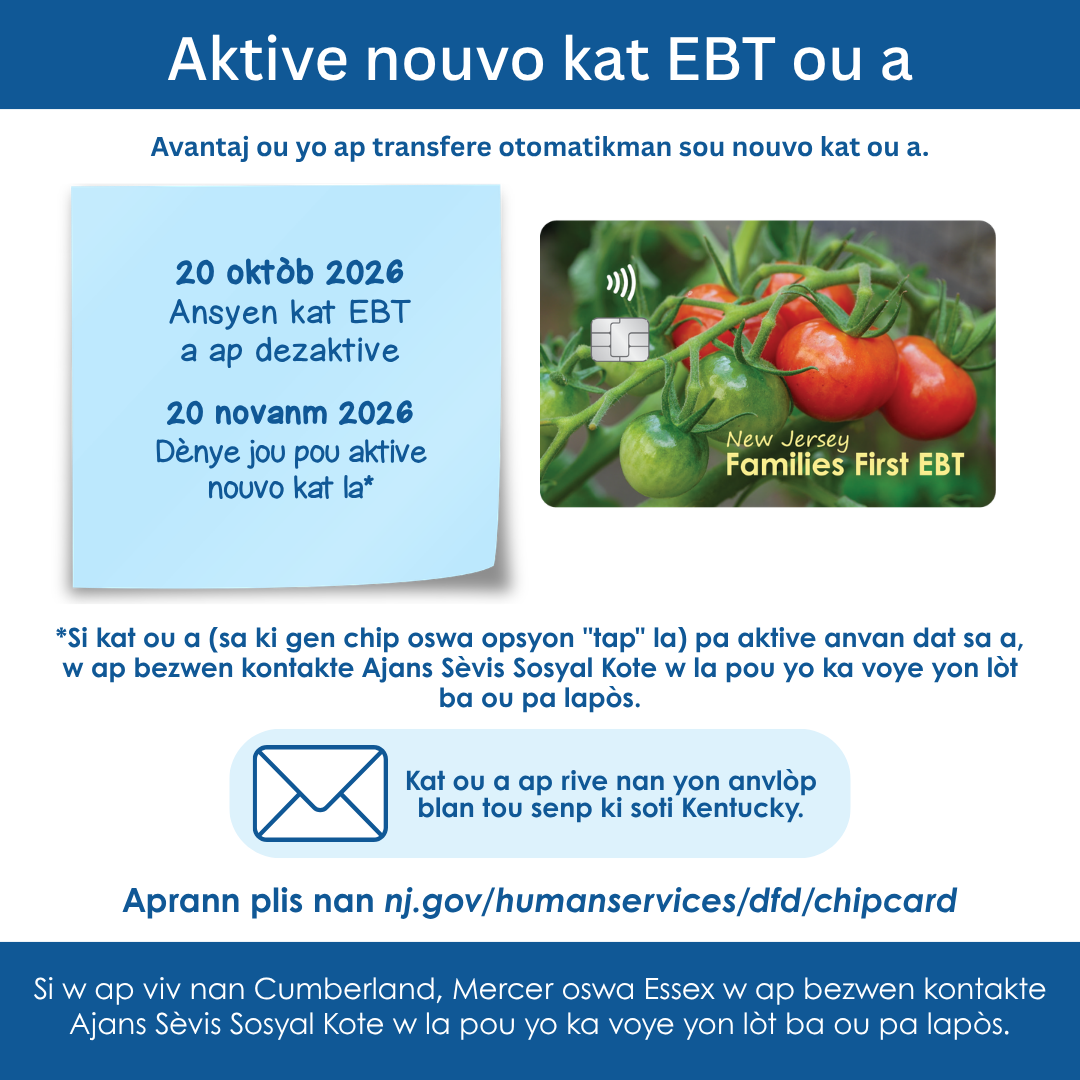
Preview of Chip/Tap EBT card informational flyer

Download the new Chip/Tap card flyer

Activate Your Card

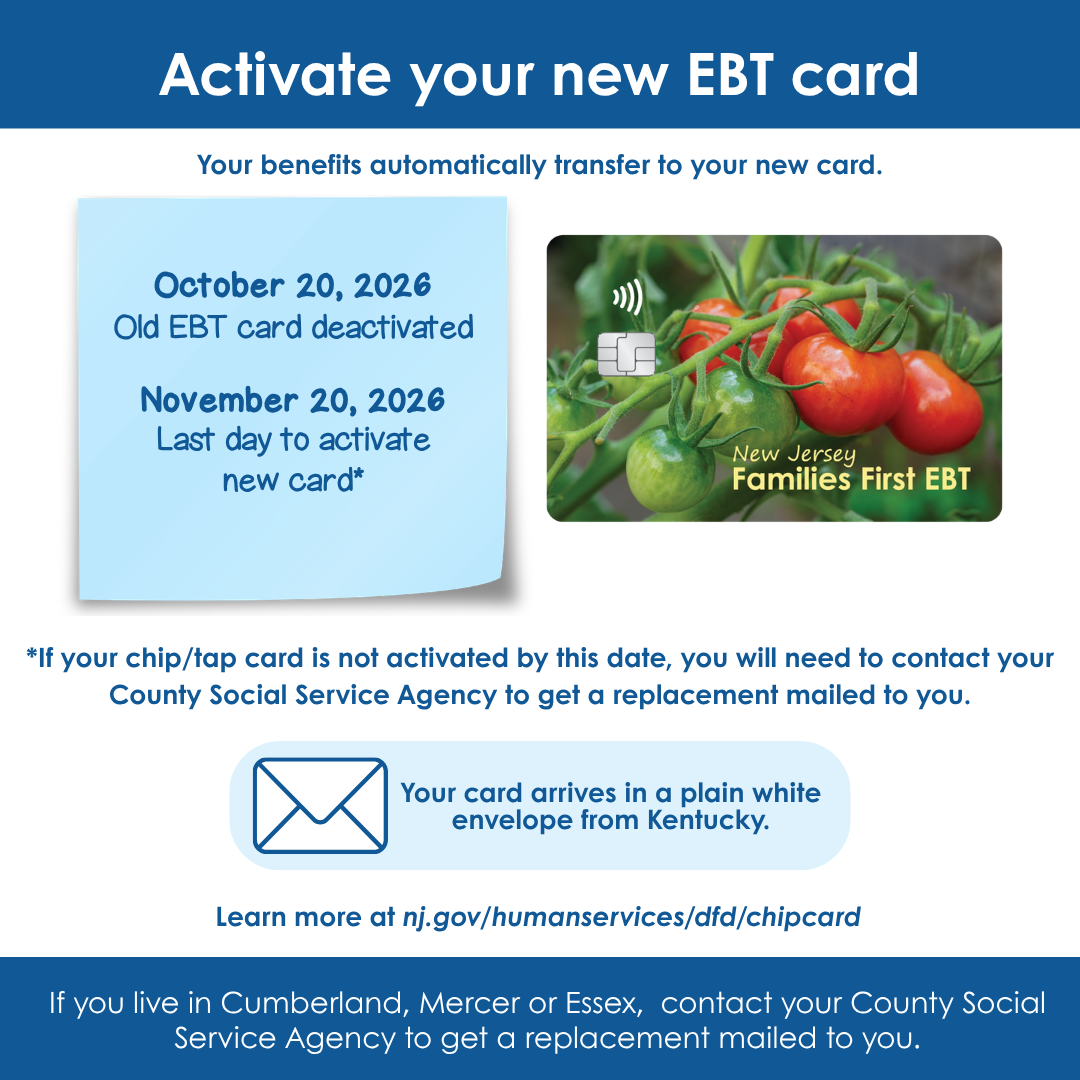
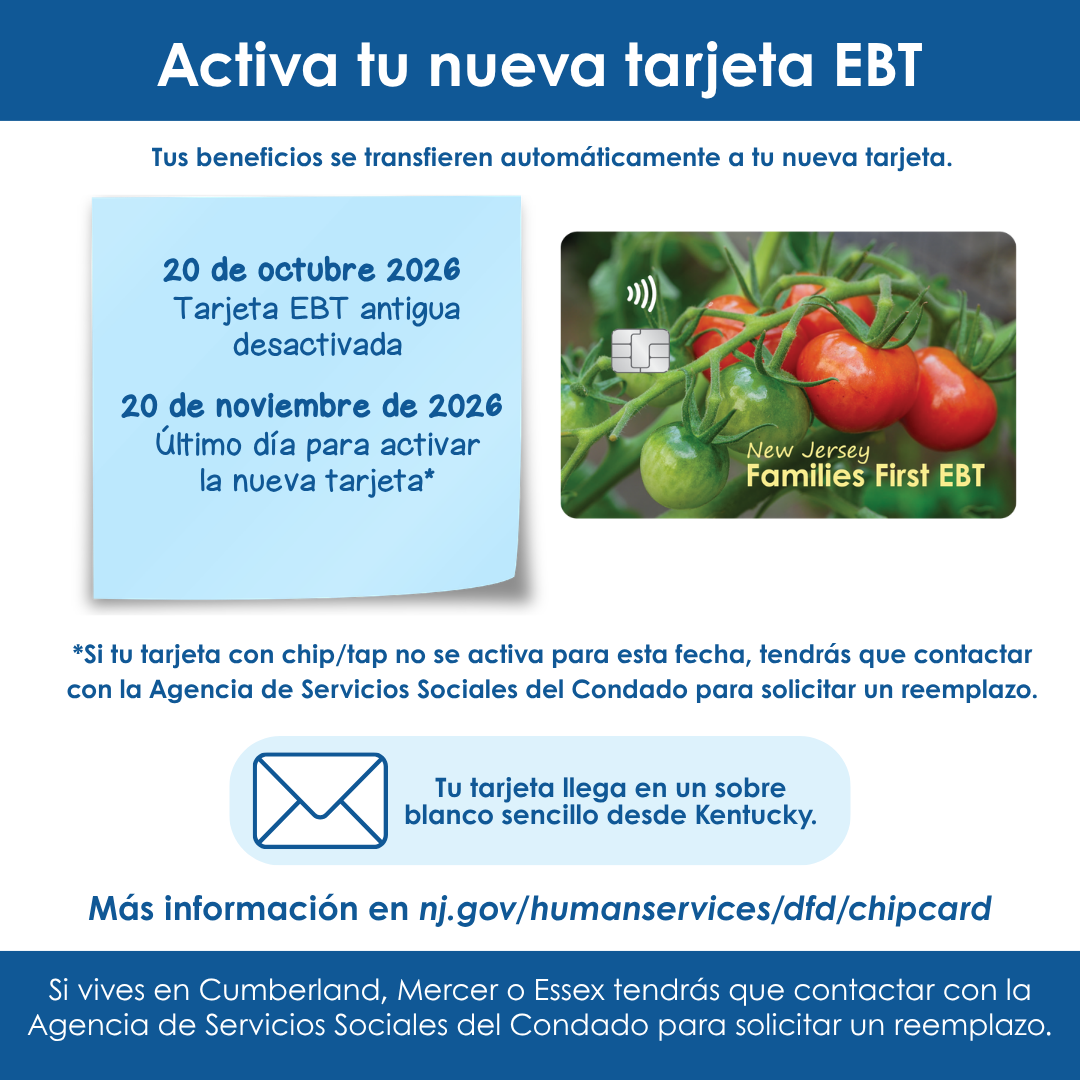
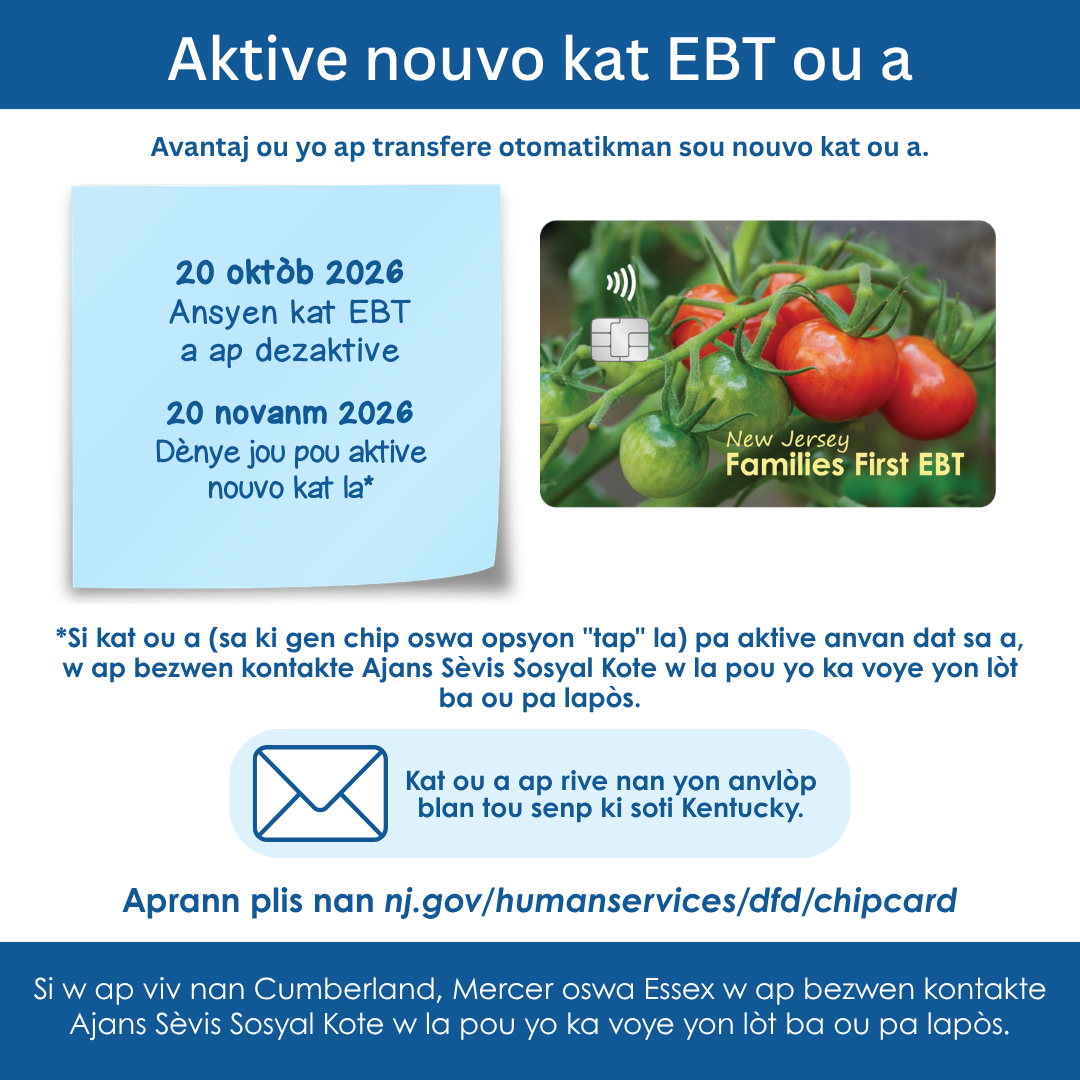
Once you receive your chip/tap card in the mail, you must activate it as soon as possible and create a new PIN. Your SNAP and WFNJ benefits will automatically transfer to your new chip/tap card. Once you activate your new chip/tap card, your current card will be deactivated and cannot be used.

After receiving your new card, your old card will expire in 60 days.  If you do not activate your new chip/tap card within 90 days, you will have to request another card. Fees may apply.

To activate your card, visit NJFamiliesFirst.gov, the ConnectEBT mobile app or call 1-800-997-3333.

NJFamiliesFirst.gov

Activate your card on NJFamiliesFirst.gov.

ConnectEBT

Activate your card easily on the ConnectEBT app (Apple App or Google Play Store). ConnectEBT is the only official app for Families First EBT users.

Call EBT Customer Service

Call EBT Customer Service at 1-800-997-3333 to easily activate your card.

Frequently Asked Questions

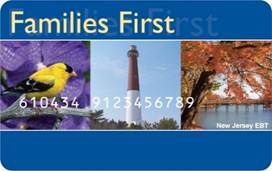
All SNAP and WFNJ cardholders are receiving a new card. This card has a new design and a chip on the front, which helps keep your benefits safe and secure. The chip allows you to insert the card or tap instead of swiping when you pay at the store. You should prioritize using the chip or tap when making purchases.

All your personal information will be located on the back of the card along with an expiration date and 3-digit security code (CSC).

All cardholders will have received their new Families First EBT Card in the mail. New cards start mailing Summer 2026. 

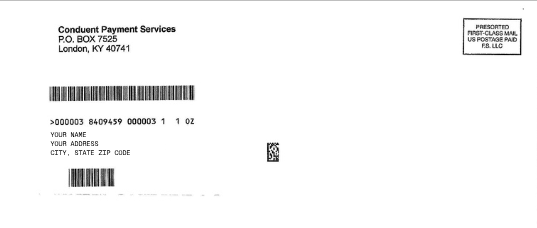
Cards come in plain white envelope from Kentucky – not your local County Social Service Agency (CSSA).

If you haven't received your new card, check your mailing address on NJFamiliesFirst.gov or in the ConnectEBT app. If your address is incorrect, you can request an address change on MyNJHelps.gov or by contacting your County Social Service Agency.

You must activate your new card by calling the EBT Customer Service at 1-800-997-3333, online at NJFamiliesFirst.gov or in the ConnectEBT app.

You will need the following information to select your Personal Identification Number (PIN):

  • The 16-digit card number on the back of the card
  • The expiration date on the back of the card
  • The 3-digit security code (CSC) on the back of the card
  • The EBT cardholder's Social Security Number
  • The EBT cardholder's Date of Birth

Important PIN Tips:

  • Choose a 4-digit PIN that is easy for you to remember, but hard for others to guess.
  • We recommend you change your 4-digit PIN each month before your benefits are made available.
  • If you see/hear an “Invalid PIN” message, try a different PIN with a mix of numbers.
  • Invalid PINs include:
    • Two of the same number in a row (like 2280 or 1135).
    • Numbers that go up or down in order (like 1234 or 4321).

Your existing SNAP or WFNJ benefits will automatically be added to your new card. 

Once your card is activated, you should choose the option to “Lock Your Card Everywhere” on NJFamiliesFirst.gov or ConnectEBT app. When you’re not using your card, this helps to protect your benefits from theft.

Check your account to make sure the card status is “Active” or “Active/Unlocked” and you have benefits in your account. If your card is locked, unlock it and try again.

If you have the new chip/tap card, you should prioritize using the chip or tap when making purchases. Try both tapping and inserting the chip.

If both tapping and inserting do not work, you have benefits available and your card is unlocked, you can swipe your card.

If you are still having an issue, call EBT Customer Service at 1-800-997-3333.

If you have the new chip/tap card, you must use chip or tap when making purchases. If the chip/tap card is not accepted by the retailer, you will be prompted to swipe your card.

At this time, replacement Families First EBT cards from your County Social Service Agency will not be chip cards. You will need to swipe until you receive a replacement chip card in the mail. These cards will only be made available for good cause.

You should activate and use your new chip/tap card immediately. However, you can use your old card until you activate your new card. Your old card will expire within 60 days of your new card being issued. You cannot use both cards at the same time.

Your benefit balance will be carried over to your new card. When your new card is activated, your current card will be deactivated and cannot be used.

If you do not activate your chip card within 90 days of it being issued, it will deactivate and you will need to get a replacement.

NOTE: If you are receiving a replacement card, you will need to choose a new PIN. Your current PIN will not carry over to this replacement card.

  • Change your PIN frequently.
    Change your PIN at least once a month, right before your benefits are issued. Do not share your PIN with anyone.
  • Check your EBT account regularly for unauthorized charges. 
    If you see any unauthorized charges, change your PIN right away to stop the thief from making new purchases. Immediately contact your local County Social Service Agency to report your lost, stolen, or damaged card, report any suspicious activity, or if your benefits have been stolen.
  • Lock your card when not in use.
    The most effective way to protect your benefits is by locking your card when not in use. Our lock/unlock feature “freezes” your benefits, helping to prevent any kind of skimming or theft. You can lock/unlock your card on NJFamiliesFirst.gov or on the ConnectEBT app.
  • Step 1: Create or log into your account on NJFamiliesFirst.gov.
  • Step 2: Under the “Card” dropdown, select “Lock/Unlock Card” or click the icon in the top right corner of the website.
  • Step 3: Select “Lock Card Everywhere” and click “Submit.” Your current status will say “Locked Everywhere” when locked.

“Lock My Card (Outside of NJ)” means that your card will only be locked if you make any out-of-state purchases. Note that this is less secure and will not block any online transactions.

  • Step 1: Create or log into your account on the ConnectEBT app.
  • Step 2: Tap “Lock/Unlock Card.”
  • Step 3: Select “Lock My Card Everywhere” to block all transactions and tap “OK.”

“Lock My Card (Outside of NJ)” means that your card will only be locked if you make any out-of-state purchases. Note that this is less secure and will not block any online transactions.


View the chart below to see where you can manage your EBT account, request replacement cards, or update personal information.

EBT Website
NJFamiliesFirst.gov
EBT App ConnectEBT Call Customer Service at
1-800-997-3333
MyNJHelps.gov CSSA (in-person)
  • Activate and Create New PIN for EBT Card
  • Change/Update Families First EBT Card PIN
  • Create EBT Account
  • Report Lost/Stolen Card
  • Request replacement card (damaged)
  • Lock/Unlock card
  • Forgot/ or need to change Username/Password
  • View/Confirm EBT balance and transaction history
  • Activate and Create New PIN for EBT Card
  • Change/Update Families First EBT Card PIN
  • Create EBT Account
  • Report Lost/Stolen Card
  • Request replacement card (damaged)
  • Lock/Unlock card
  • Forgot/ or need to change Username/Password
  • View/Confirm EBT balance and transaction history
  • Activate and Create New PIN for EBT Card
  • Change/Update Families First EBT Card PIN
  • Create EBT Account
  • Report Lost/Stolen Card
  • Request replacement card (damaged)
  • Unlock card
  • Forgot/ or need to change Username/Password
  • View/Confirm EBT balance and transaction history
  • Request replacement card (damaged)
  • Report Lost/Stolen Card
  • Change Mailing Address
  • Activate and Create New PIN for EBT Card
  • Change/Update Families First EBT Card PIN
EBT Chip Card Front side

Families First EBT card

Your Families First card can also be used for New Jersey’s Families First Discovery Pass program. This program allows families individuals with a Families First card to receive free or discounted admission to arts and history organizations, venues and programs. For more information and a list of participating organizations, visit  www.FamiliesFirstDiscoveryPass.com

ConnectEBT App

ConnetEBT App Logo

Download the ConnectEBT app in the Apple App Store or Google Play Store to check your balance, confirm your last deposit, change your PIN and review up to 12 months of transaction history. ConnectEBT is free and is the only official app for Families First EBT users.