 Division of Taxation
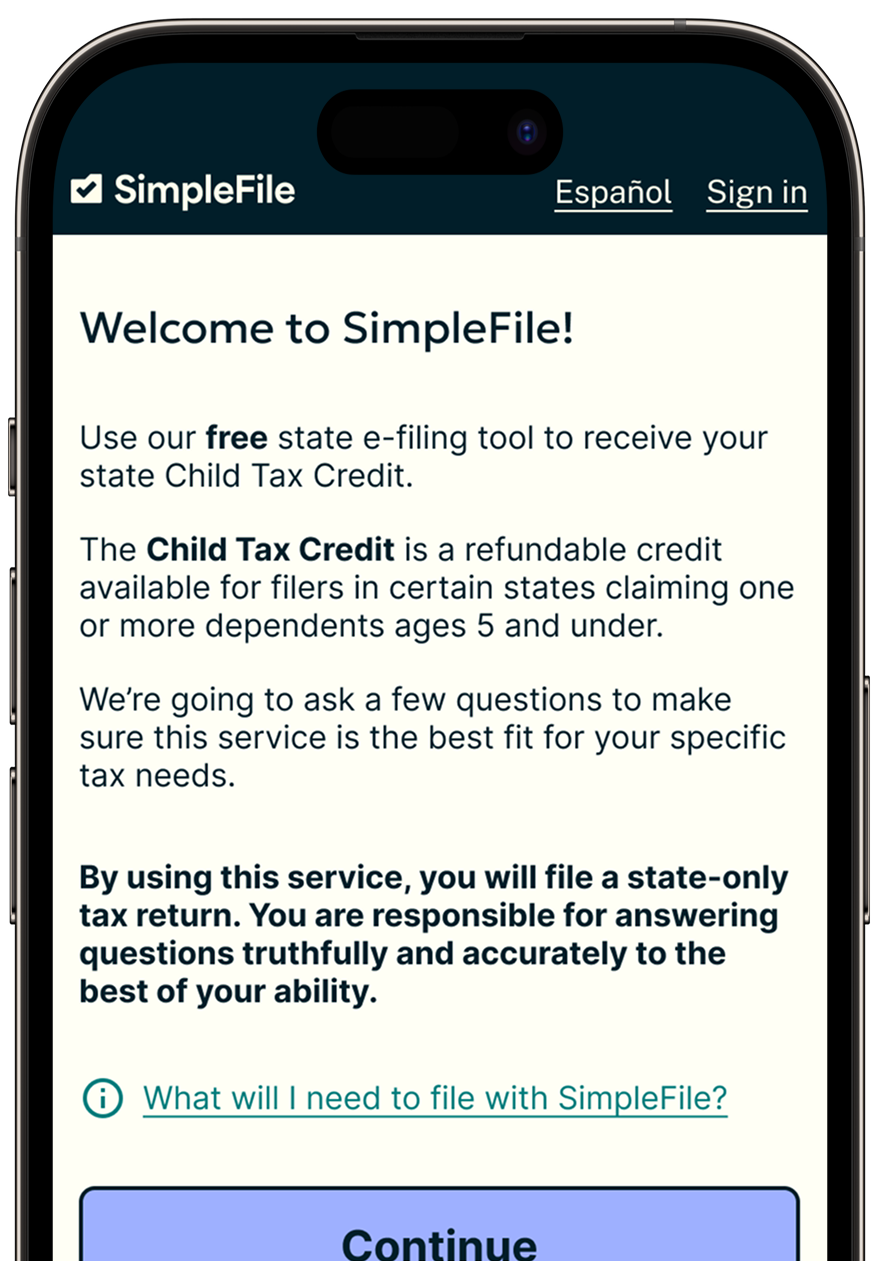
Our free tool makes getting your state tax money easy, with no tax documents needed to apply.

This cash benefit does not affect the benefits you already get, like SNAP, WIC, Medicaid or TANF.

This money can help pay for food, housing, child care, and other household expenses.
The deadline to apply is November 16th.
¿Hablas español?
¡Usa SimpleFile en español para recibir el dinero al que tiene derecho, incluso si normalmente no presenta una declaración de impuestos!
SimpleFile is not the only way to claim the NJ Child Tax Credit, but to use SimpleFile you must:
Yes, ITIN filers are eligible to claim this benefit, even if you no longer qualify for federal credits.
While everyone's situation is different, if you had earned income from wages or self-employment, you might be eligible for other credits, like the federal and state Earned Income Tax Credit, and could benefit from filing full federal and state tax returns. To file a full tax return, you will need to have access to your income documents for the year.
Using SimpleFile means you're filing a 2025 New Jersey state tax return. If you already filed, filing again through SimpleFile will cause your return to reject, or may delay the refund from your original return. Check your original return to confirm if you claimed the New Jersey Child Tax Credit (NJ-1040, Line 65). If eligible, you may be able to amend your return to include it. We recommend returning to your original filing software for information on an amendment.
One week after your return has been accepted, you can check the status of your refund on the New Jersey Division of Taxation website.
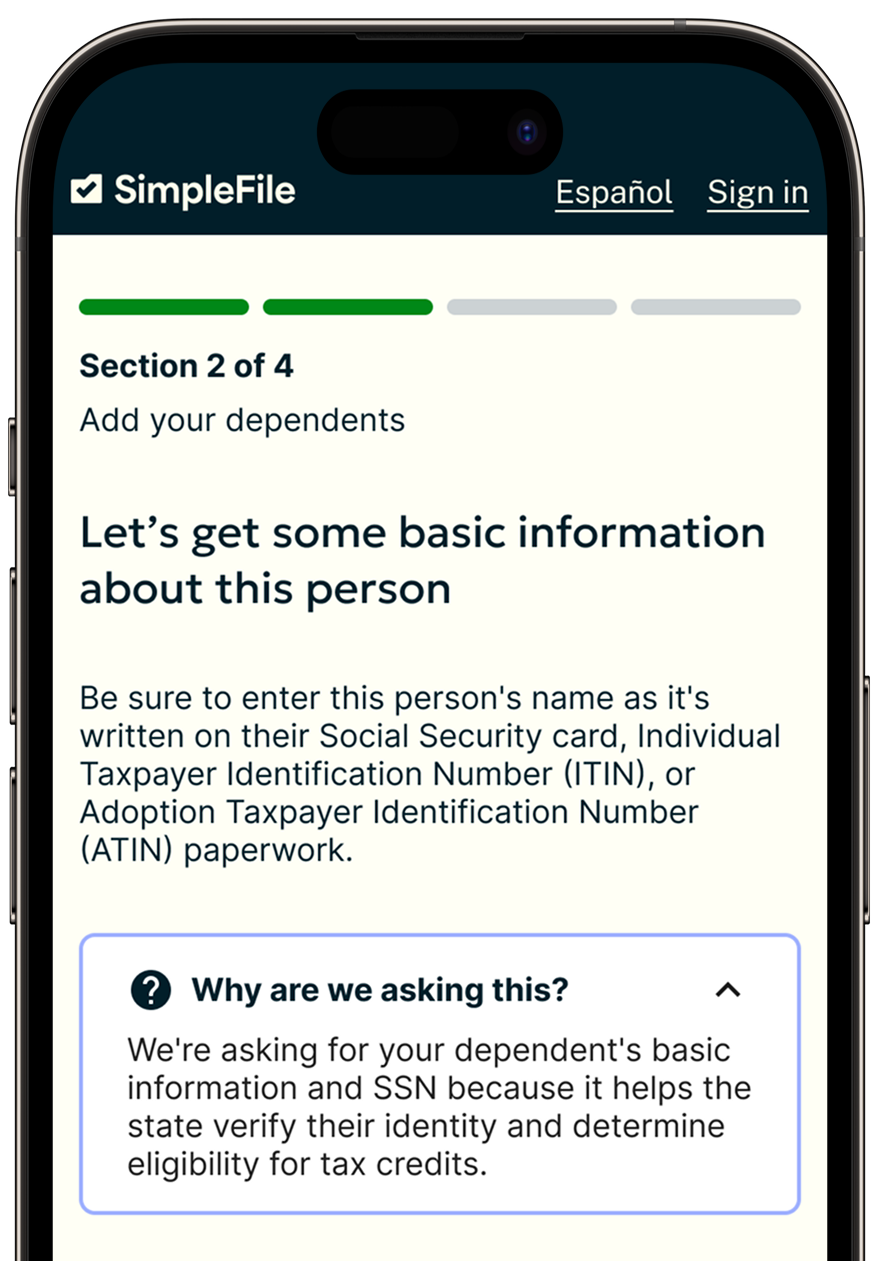
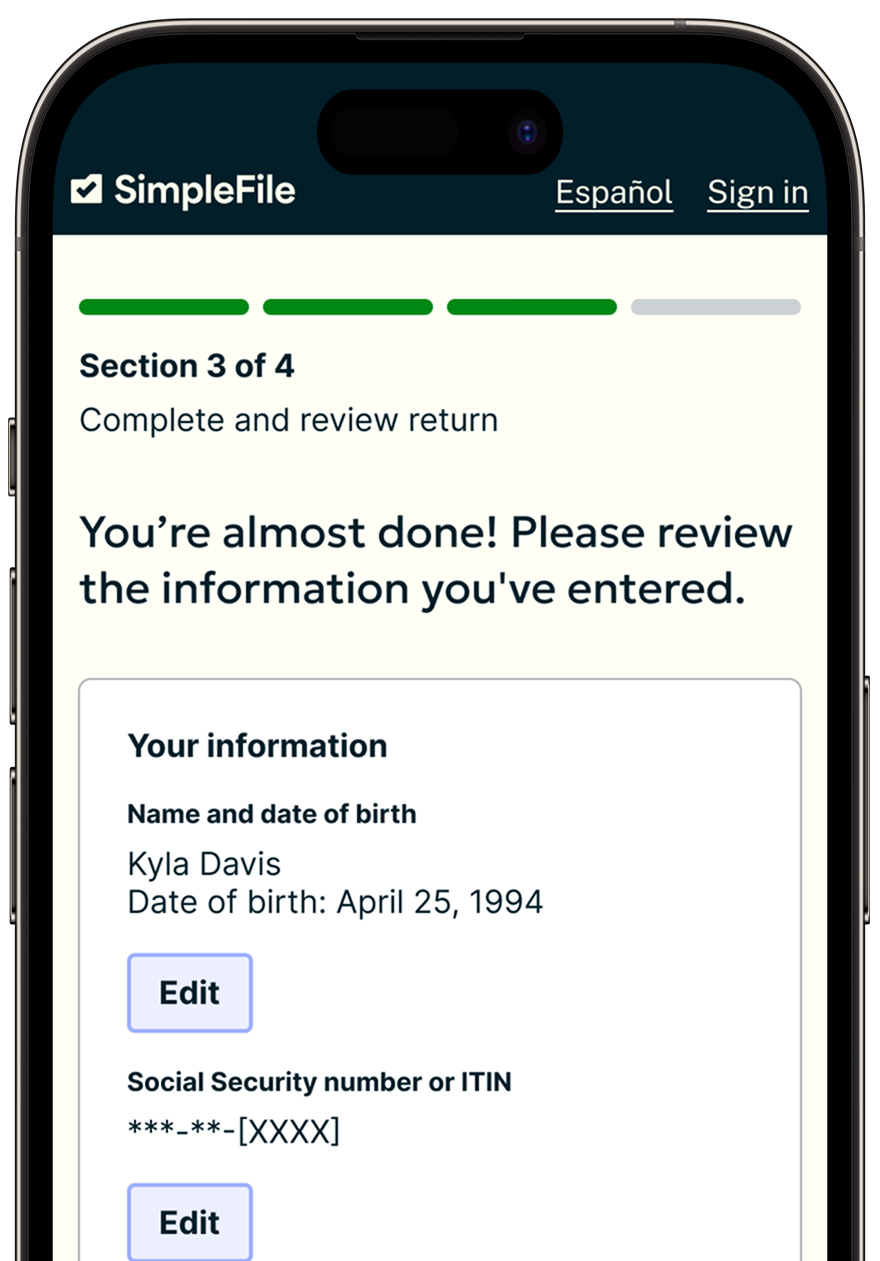
To verify your information, you must provide:
Most taxpayers file a full federal and state tax return at the same time, by providing all of their household, income, and deduction information. By providing all this information, they can report any taxes owed or claim a refund with all the credits they are owed. In order to file a full return, you must have all of your tax documents, including W-2s and 1099s.
SimpleFile allows eligible individuals, who are not required to file, to claim the NJ Child Tax Credit by providing only their household information. You do not need your tax documents to complete this process.
Filing a full federal and state tax return may be a good option if you:
Filing a simplified state return may be a good option if you:
SimpleFile protects your information using industry-standard security practices like strong encryption, strict access controls, and continuous monitoring of our systems. We regularly assess our risks, train our staff, and work with independent reviewers to confirm that our safeguards are effective and that your data stays private and secure.
The information on your tax return is securely sent to your state tax authority to process your refund. Your information is stored for three years as required by the state tax authority.
Click here* to read our privacy policy.
SimpleFile is developed in partnership with the New Jersey Innovation Authority*, the New Jersey Division of Taxation, and the nonprofit Code for America*.
You can return to SimpleFile at simplefile.getyourrefund.org*. SimpleFile offers live chat support through the "Get Help" button at the bottom right corner of the page.

1
2
3
How to Claim the New Jersey Child Tax Credit with SimpleFile
*You are now leaving a Department of the Treasury Web Site. This link is provided as a courtesy and will open in a new window.
The site you are going to is not covered by the Department of the Treasury or the State of New Jersey privacy policies.
Please read the privacy policy for the new site.
 Official Site of The State of New Jersey